Best Athlete Assessment App Features: A Coach's Checklist
Sport Tech
The best athlete assessment apps stand out by offering powerful features that make a coach's job easier, faster, and more accurate. In this article, we'll cover the 6 must-have features every sports organization or academy should look for in an assessment app—the ones coaches love, too.
1. Mobile Scoring
With an athlete assessment app like SkillShark, each evaluator will use the same evaluation template to score players. All they need is their phone or tablet handy to score athletes. The benefits of mobile scoring include:
Quickly enter scores for an athlete by using a slider button (or enter by hand).
Option: Add a pre-written comment to any skill (or write their own).
Option #2: Easily record & upload a video of an athlete performing a skill.
Paper-based reports bring on the challenge of having coaches take raw evaluation data and manually create reports. Not only is this process time-consuming, but it presents challenges from misentered data to inconsistent formatting across reports.
With an athlete assessment app, reports are auto-generated within minutes of completing an evaluation. Coaches can then access reports to:
Rank athletes to identify top performers.
Compare athletes to identify skill gaps.
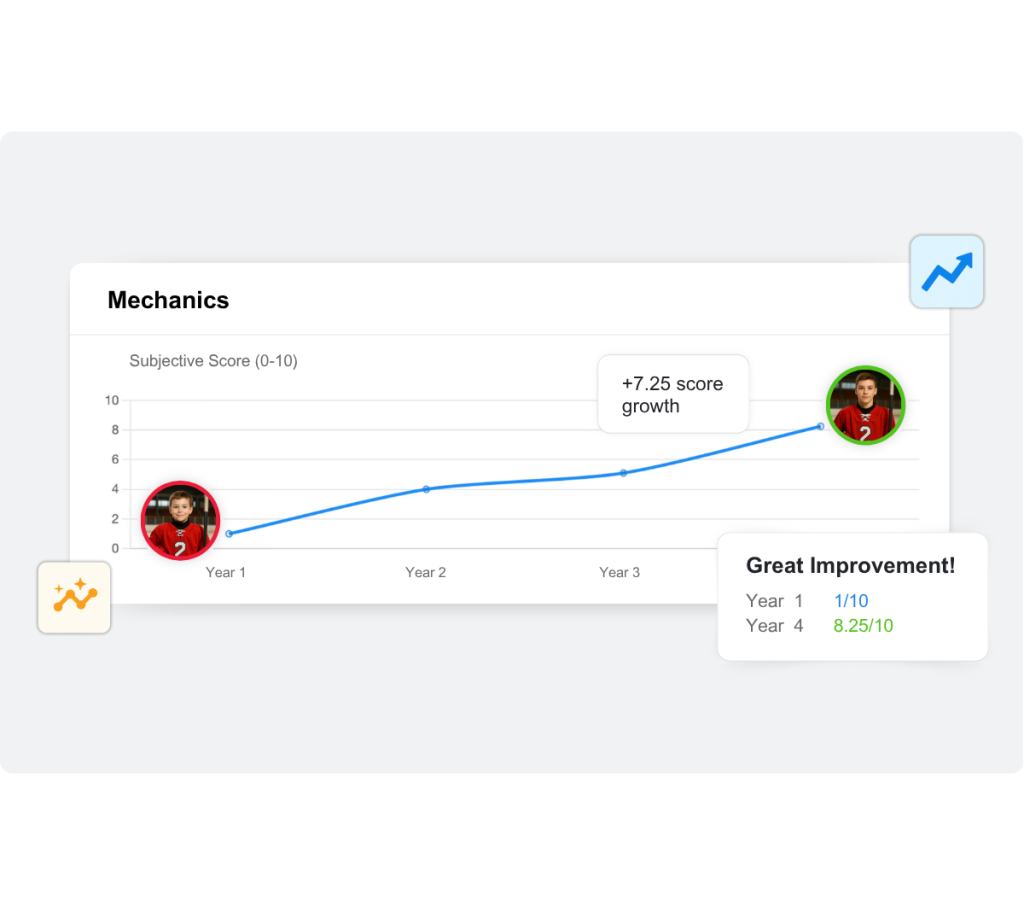
Track athlete progression over a series of events (i.e., tryouts, camps, and clinics).
3. Offline Capability
Not every field, rink, or court has reliable Wi-Fi. That's why offline functionality is a non-negotiable. Athlete assessment apps must let coaches:
Check in players before an evaluation.
Score athletes with no interruptions or lag.
Access real-time reports when back online.
4. Data Sync Across Devices
Evaluators often score athletes on their tablets or phones, while a coach analyzes the results on a laptop later. Because data syncs in real time across devices:
Coaches never lose access to scores.
Scores are less prone to error, since no manual data transfer from paper to spreadsheets is required.
Drafting and tactical decisions can be made faster—assistant coaches can compare notes and finalize picks together without waiting for data transfer.
5. Comprehensive Report Cards
With many tasks on your plate, you may not have time to give each athlete the level of feedback they deserve. Meetings, phone calls, and emails are all time-consuming, and they often come with repetitive questions like "Why didn't my child make the team?" or "What can my child do to improve their [insert skill]?"
With an athlete assessment tool, coaches can send athletes and their parents a personalized report card after each evaluation that comes complete with scores, benchmarks, videos, and comments. The best part? No formatting required. Scores sync automatically on the back end and are formatted into professional-level reports, ready for you to review and send.
Athlete report card in baseball
SkillShark has been an invaluable tool for our tryouts. We have used it with nearly 400 athletes and it has been a great addition to our participants and parents, who now receive a professional-level report cards after each tryout. We will be SkillShark users for life!
Justin Dee. High-performance Director — Delta Region USA Volleyball
Final Thoughts
No matter the sport or level of team, every coach can benefit from an athlete assessment app. From scoring athletes on mobile devices with ease, to quickly accessing player insights, to creating fully customizable evaluation templates, this type of software supports coaches at every step, delivering a seamless evaluation experience.
Lucy Jakoncic
Lucy is a strategy and results-driven e-commerce & digital marketer, equipped with her BBA in Business Admin & Marketing. She brings in knowledge and experience from both startup and corporate environments. Aside from her professional pursuits, Lucy is an admitted sports fanatic, she feeds her addiction through active involvement and her passion for the sport of MMA. Her sports-minded entrepreneurial spirit has been a strong addition as both a writer and marketing strategist at SkillShark Software Inc.